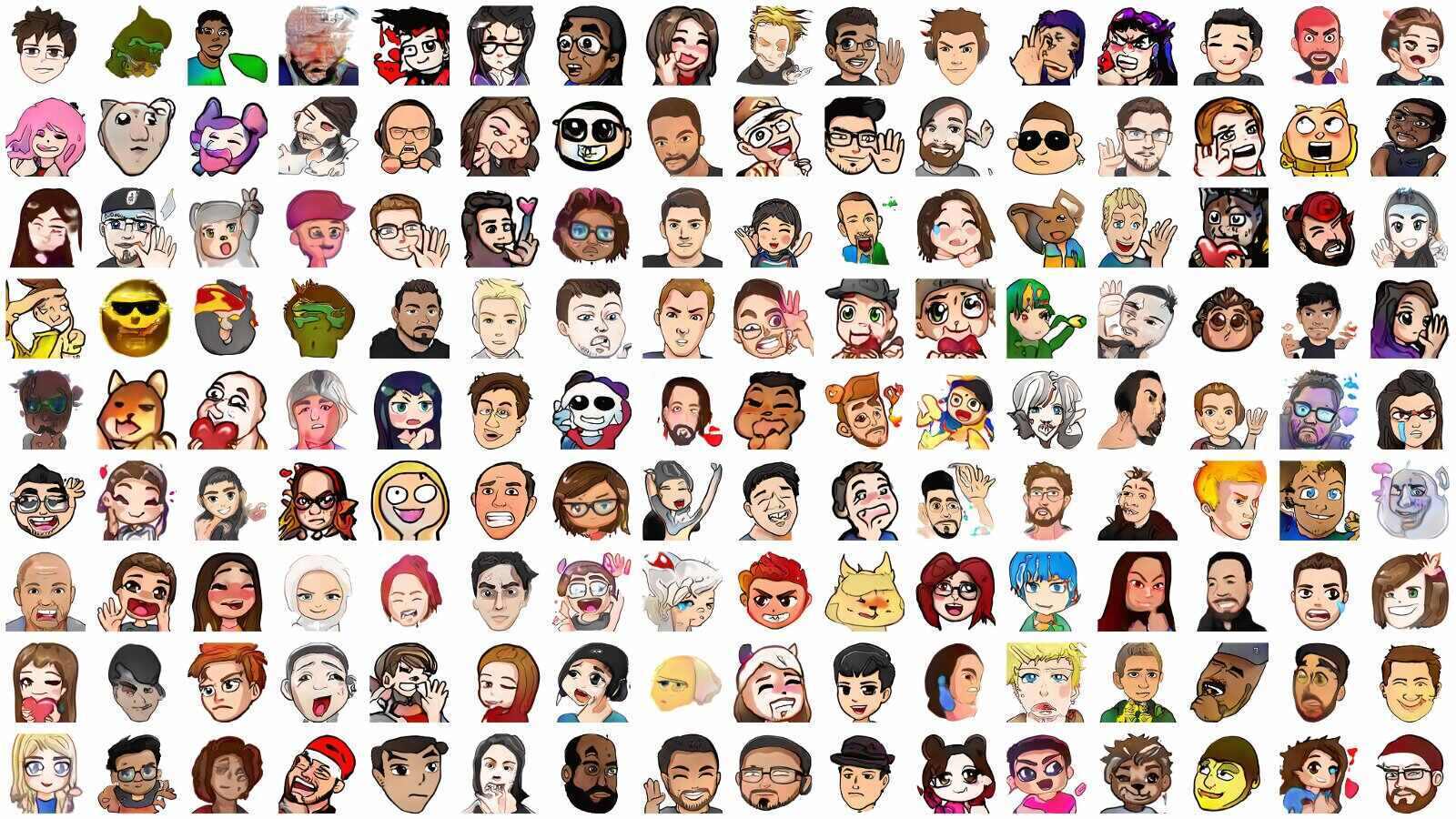
Quick answer: there is no permanent, complete Twitch emotes list that is accurate for every viewer. Open the emote picker in a channel to see the emotes your account can use there. Twitch's official global emotes are available to everyone, while follower, subscriber, Bits, event, and channel emotes depend on the channel and what you have unlocked. BetterTTV, FrankerFaceZ, and 7TV emotes are separate third-party additions.
This guide was substantially rewritten in July 2026 from Twitch's current emote help and developer documentation. It replaces the old page's mixed, increasingly stale list of official and extension emotes.
Current Twitch emote meanings
Twitch's official How to Use Emotes guide gives these representative meanings:
- Kappa: sarcasm or wry humor.
- HeyGuys: a casual greeting when joining chat or welcoming someone.
- LUL: laughter—the emote version of “laugh out loud.”
- Jebaited: a reaction to someone being baited, tricked, surprised, or lured into a trap.
Those are examples, not a complete catalog. Twitch describes emotes as a language that evolves with its communities. Channel context matters, so click or tap an unfamiliar emote before assuming that its name tells the whole story.
Stream Mentor also has focused explainers for HeyGuys and Jebaited. Treat historical origin stories cautiously if Twitch has since removed, replaced, or renamed an emote.
What are the most-used or funniest Twitch emotes?
Twitch does not publish an official live usage leaderboard for every emote. Lists labeled “most used” usually come from a third party's sample of observed chats, a limited date range, or a mixture of Twitch and extension emotes. Check the source, collection period, and whether the count covers official Twitch, BTTV, FFZ, or 7TV before treating one as a platform-wide ranking.
“Funny” is even more channel-specific. A familiar reaction such as Kappa, LUL, or Jebaited may work across many chats, while a creator's own emote can be funnier to regular viewers because it refers to a shared moment. The useful choice is an emote whose meaning the current audience understands—not whichever image appears first in an undated top-30 article.
How to see every emote available to you
- Open the Twitch channel where you want to chat.
- Click or tap the emote icon beside the chat field.
- Browse the groups shown in the picker. These reflect the emotes currently available to your account.
- Click an emote on desktop, or tap it in the mobile app, to see where it came from and how it is unlocked.
- Select the emote and send the message.
You can also type a colon followed by part of an emote name. Twitch will suggest matching emotes that are available to you. The picker is a better current answer than a screenshot or copied list because access changes with subscriptions, follows, events, and channel settings.
Types of official Twitch emotes
Global emotes
Global emotes are Twitch-created emotes that anyone can use in any Twitch chat. Twitch maintains the current set; an old article may still mention global emotes that are no longer available.
Follower emotes
Qualifying channels can offer emotes that viewers unlock by following. Twitch says non-subscribing followers can use those emotes in that creator's channel, while subscribers can use the follower emotes they have unlocked in other Twitch channels.
Subscriber emotes
Subscriber emotes come with an active subscription to a channel that offers them. They can be used across Twitch, and the subscription tier can affect which channel emotes are available. Creators manage their active emotes and tiers in the Emote Library described in Twitch's Subscriber Emote Guide.
Bits Tier emotes
These are channel emotes unlocked after Cheering the required cumulative number of Bits in a participating channel. They are different from standard subscriber emotes.
Event and Hype Train emotes
Twitch and individual channels can award emotes through events or Hype Trains. Availability and use rules depend on the event, and some event emotes are temporary.
Official Twitch emotes versus BTTV, FFZ, and 7TV
BetterTTV emotes, FrankerFaceZ emotes, and 7TV emotes are not Twitch global or channel emotes. They come from third-party services and normally require a compatible browser extension or chat client to render.
- People without the same extension may see an emote code as ordinary text.
- An extension emote can be enabled in one channel but not another.
- Names, availability, and community meanings can change independently of Twitch.
- Installing an extension gives third-party software access in your browser, so use its official site and review the requested permissions.
If a code animates in an on-stream chat overlay but remains text in Twitch chat, the overlay may support an extension emote provider that your browser does not.
How developers can get a current emote list
Do not scrape an old wiki or hard-code image URLs. Twitch's Helix API reference provides current endpoints for:
- Get Global Emotes: Twitch-created emotes available in every chat.
- Get Channel Emotes: custom emotes associated with a specified broadcaster.
- Get User Emotes: emotes the authenticated user can currently use.
- Get Emote Sets: emotes belonging to one or more specified sets.
The Global Emotes endpoint requires an app access token or user access token. Twitch returns a CDN URL template with the supported format, scale, and theme options; use that template rather than saving the example image URLs from the documentation.
Why an emote may be missing or appear as text
- Your subscription, follow, Bits tier, or event access does not include it.
- You are trying to use a follower emote outside its allowed channel.
- The creator replaced, moved, or removed the emote.
- Twitch removed it or it is still pending approval.
- It belongs to BTTV, FFZ, or 7TV and the required extension is missing or disabled.
- The emote name was typed with the wrong capitalization or spelling.
First click or tap the emote in a message to inspect its source. Then check the picker. If Twitch says your account should have an official emote but it is absent, follow the support path in Twitch's emote guide.
Emote etiquette and moderation
An emote's meaning can shift with context, repetition, and the community using it. Do not use an image of a real person to target them or assume that an in-joke is harmless everywhere.
Custom emotes must follow Twitch's Community Guidelines and emote rules. Twitch's current Emote Guidelines explain how to report a violating emote. A broadcaster can also add an unwanted emote code to Channel Blocked Terms even when the emote does not violate a policy.
Frequently asked questions
Where is the complete Twitch emotes list?
For a viewer, the emote picker is the complete current list for that account in that channel. For developers, use Twitch's Global, Channel, User, and Emote Sets API endpoints. A static article cannot represent every channel, entitlement, and third-party extension.
Are Kappa, HeyGuys, LUL, and Jebaited still Twitch emotes?
Twitch currently uses all four as examples in its official emote guide. Kappa signals sarcasm, HeyGuys is a greeting, LUL indicates laughter, and Jebaited reacts to bait or a trick.
Are BTTV emotes official Twitch emotes?
No. BetterTTV is a third-party extension. Its emotes may be common in Twitch communities, but availability and rendering are separate from Twitch's official emote system.
Can every Twitch emote be used in every channel?
No. Global emotes work throughout Twitch, and active subscriber emotes generally travel across channels. Follower, Bits, event, and extension emotes have their own access and channel rules.
How do I find the name of an emote?
Click it on desktop or tap it in the Twitch mobile app. Twitch shows information about its source and how to obtain it. If it is only plain text, check whether it belongs to a third-party extension.