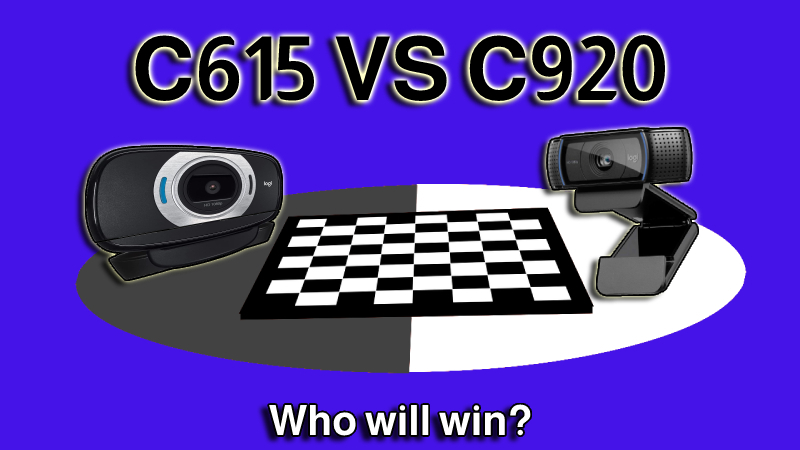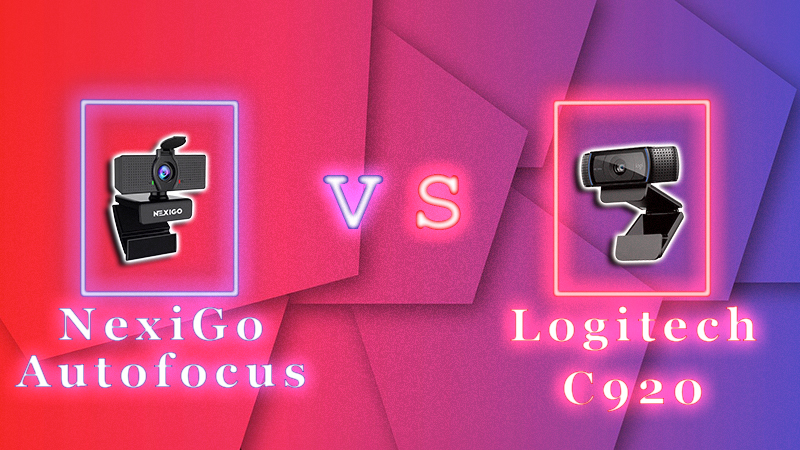
If you need an affordable webcam that performs well for various purposes, it's understandable to feel torn between the Logitech C920 and NexiGo webcams, as both fall within the same price range. The NexiGo offers the advantage of being a very budget-friendly option, while the Logitech C920 has been a highly regarded all-around product for quite some time.
After reading this affordable webcam buying guide, you will understand which webcam is the better choice for you. Is it worth spending an additional $30 for the Logitech model, or should you opt for the more budget-friendly option from NexiGo?
Let’s dive in!
Specifications
NexiGo AutoFocus 1080p vs. Logitech HD Pro Webcam C920 - What’s the Difference?
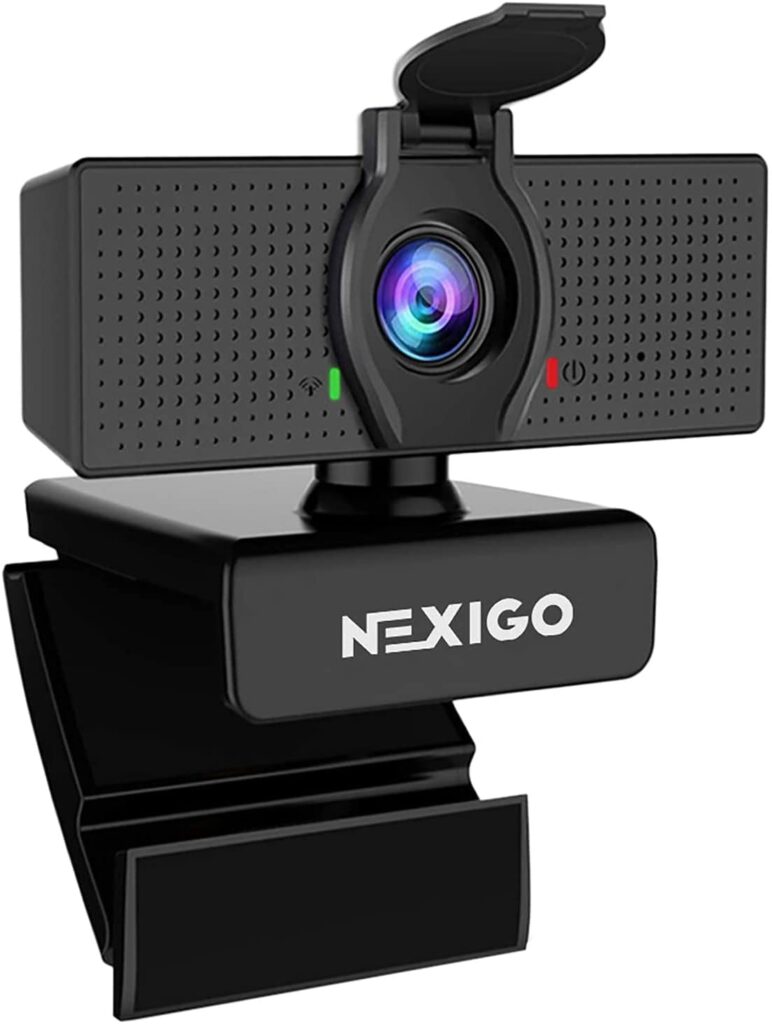
The primary difference you'll notice among these webcams is their price, with the NexiGo being significantly more affordable. Compared to many other webcams, this truly represents a bargain. However, I understand that you may be concerned about whether the lower price comes with drawbacks that could impact video quality, which is crucial to consider if you intend to use your webcam for purposes beyond just video conferencing and calls.
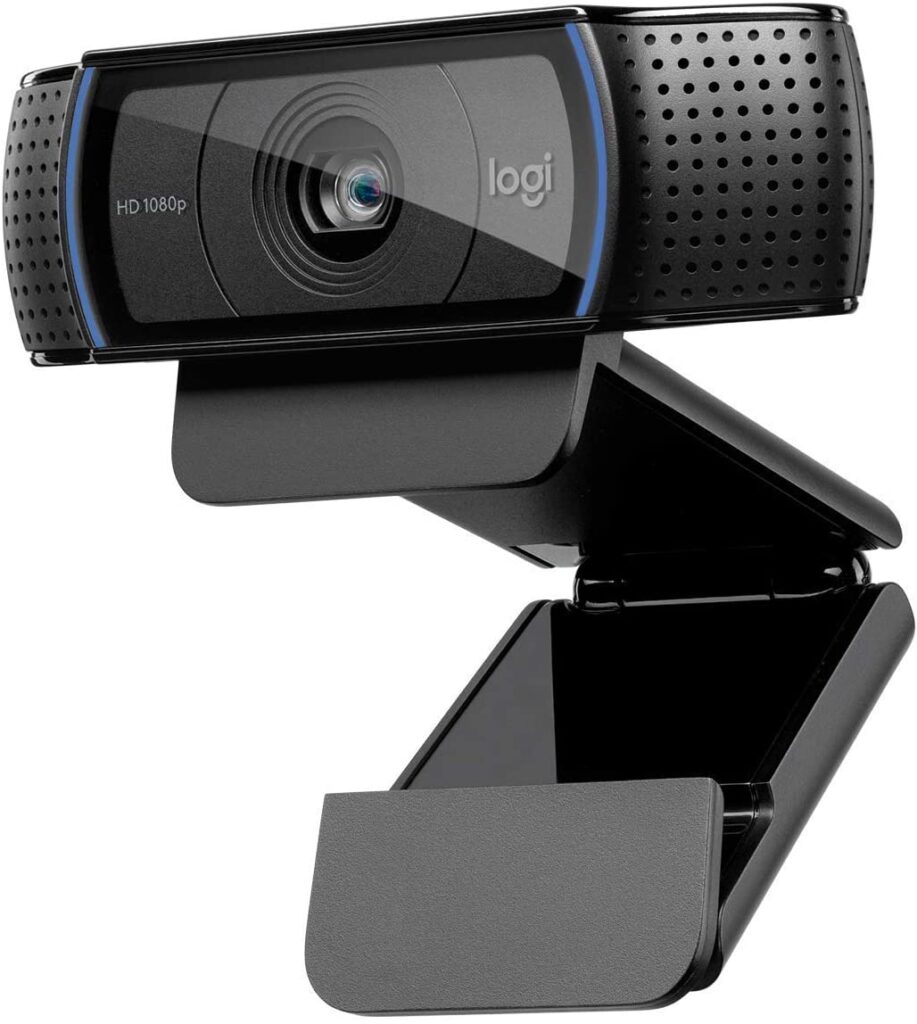
The Logitech C920 has demonstrated strong performance for video recording and streaming, offering good video and sound quality. This may not be surprising, as Logitech has been a prominent digital publisher for quite some time. In addition to the C920, there are numerous other cameras produced by them that are highly regarded, delivering excellent quality and performance that exceeds typical webcam expectations.
Both of these webcams are highly compatible with any operating system and video conferencing platforms such as Zoom, Skype, Microsoft Teams, and more. If you only need a webcam for video calls, either option will provide better sound and image quality than the built-in camera above your laptop screen.
Product Quality
Regarding product quality, both are quite similar in design. They look alike and are constructed from comparable plastic.
Both also feature glass lenses, eliminating concerns about cheap plastic lenses. If you require a webcam that can be mounted on a tripod, both options are compatible and remain very stable once positioned on a tripod mount.
One feature that the Logitech has, which the NexiGo lacks, is a built-in privacy shutter. This could be a dealbreaker for some, as a privacy shutter can be a valuable feature. However, if that is the only aspect the NexiGo is missing and you prefer not to spend more on Logitech's extra features, purchasing a detachable privacy cover can be a suitable alternative. Additionally, you can use the separate privacy shutter with any future brands of webcams you may acquire.
Resolution
Regarding the resolution of these webcams, they are identical. Both are 1080p webcams; however, if you require lower video quality for any reason or need video compression, each camera can also capture in 720p.
If frame rates are important to you, and you specifically require a frame rate of 60fps, then neither of these options will meet your needs, as both record at 30fps. However, if capturing details that must be in 60fps is not essential, a 30fps webcam will serve as a reliable camera for you, and even more than that.
Field Of View
The NexiGo webcam offers a very wide field of view at 90 degrees, whereas the Logitech C920 features the standard 78 degrees that is common among most webcams today. Typically, this is the range you need from a webcam lens.
Depending on what you are filming with the webcam, whether it's a horizontal or vertical video, you will require different angles. If you need to capture a significant amount of the background, which is a crucial part of your filming, then the NexiGo will be the better option. Additionally, if you work in large meeting rooms that need to be included in the conference, opt for 90 degrees.
However, if you tend to use background replacement, a device with a narrower field of view will be more effective.
Image Quality
I've already discussed resolution and noted that these two webcams offer the same image quality in that regard. However, image quality is not solely dependent on resolution. Several other factors are crucial for ensuring everything looks good.
One of these features is auto light correction. If you are working in a low-light environment, light correction is essential for looking your best on camera. Both of these webcams include some form of light correction, so you will receive this adjustment regardless. However, Logitech's camera performs this function significantly better.
If you lack sufficient space for a ring light, have a limited budget, or need a webcam with built-in lighting, the Logitech C920 is the better option. Ring lights can increase the cost of your setup and occupy considerable space, making the C920 a practical alternative to an adjustable ring light.
Certainly, there are webcams such as the Razer Kiyo that feature an integrated ring light and perform exceptionally well, but this may not be within your budget at the moment. Alternatively, you may simply not require it.
In addition to having flattering lighting, another crucial factor to consider regarding image quality is the autofocus feature. This is particularly important if you're streaming and want to maintain focus without losing it on something in your background. If you're a teacher, a fixed focus can also be very significant.
Both webcams feature autofocus, but the Logitech appears to perform slightly better in this regard, particularly when streaming or creating video content. Both models come with a glass lens, but the Logitech's lens seems to deliver superior performance. Therefore, it may be worth considering investing the extra funds to choose this option.
Microphone
Both of these webcams feature 2 built-in microphones. However, the microphones differ slightly from one another.
With the C920, you receive two omnidirectional microphones designed to capture voices from various directions while minimizing ambient noise. In contrast, NexiGo features stereo audio microphones that are slightly more susceptible to picking up background noise.
However, when it comes to integrated microphones, I'm uncertain if I can recommend relying on them. They may perform adequately at canceling background noise and can capture necessary sounds, but the stereo audio quality cannot compare to that of a separate microphone.
It may appear that having superior sound quality and microphone is more crucial for a streamer. However, I would argue that it is equally important for a Microsoft Teams work call. Why? Because it is frustrating to repeat the same point multiple times during a call, and even more so to ask others to repeat what they said. You certainly do not want to be on either side of that situation.
Once you decide which excellent webcam to purchase, you should definitely consider investing in a higher quality microphone. No matter how many helpful tips you follow, webcam microphones always tend to sound subpar.
Software
Both webcams in this comparison are compatible with the most commonly used video conferencing software, which is expected from any webcam, not just the best ones. Regardless of the software you choose, both the Logitech C920 and the NexiGo will function as plug-and-play devices.
Regarding the operating systems compatible with these two, the only difference is that the NexiGo does not support Linux devices, whereas the C920 does and functions very well. Therefore, if you are using Linux, this will be an easy decision.
In the realm of streaming software, Logitech's software is widely utilized by users of their webcams. In contrast, the NexiGo lacks similar software, so if you choose this option, you will need to rely on additional third-party software for enhanced camera controls.
If you have already found software that works well for you, you can simply continue using it and have instant access, regardless of which webcam you choose to buy.
FAQ
Is NexiGo the same as Logitech?
However, as expected, the Logitech webcam has proven to be slightly superior, as the videos produced have a more appealing quality. Additional features include a privacy shutter and advanced RightLight 2 light correction technology, which performs significantly better.
If you need an affordable webcam for everyday tasks like calls, NexiGo is a solid choice. However, if you plan to engage in more demanding activities, Logitech is the preferable option.
Is NexiGo a good brand?
While they do offer some more advanced devices with additional features, they have consistently demonstrated themselves as the top webcam brand for quality products at a lower price point. If that aligns with your needs, choosing this brand could be a great decision for you.
Which brand is best for webcam?
Logitech likely offers the widest selection of products, catering to both everyday users and those seeking more professional-grade options for streaming and creating horizontal and vertical video content.
Ultimately, whichever of these brands you choose, you can expect a positive experience and a webcam that meets your needs effectively.
Conclusion
As many in-depth reviews indicate, the final decision depends on your specific needs for the product.
If you need a webcam for more than just video calls and want to produce high-quality streams and video content, the Logitech C920 is undoubtedly the superior choice. The NexiGo may require additional adjustments to optimize image and audio quality. Additionally, the Logitech features better auto light correction, making it more suitable for low-light conditions.
If you only require a webcam for online workdays and school, then you don't need to look any further than the NexiGo. The image quality is adequate and sufficient for those needs, and the low price is unbeatable. While it may not be one of the best webcams available, and there are other models with additional features that enhance the experience, those extras are not always necessary.