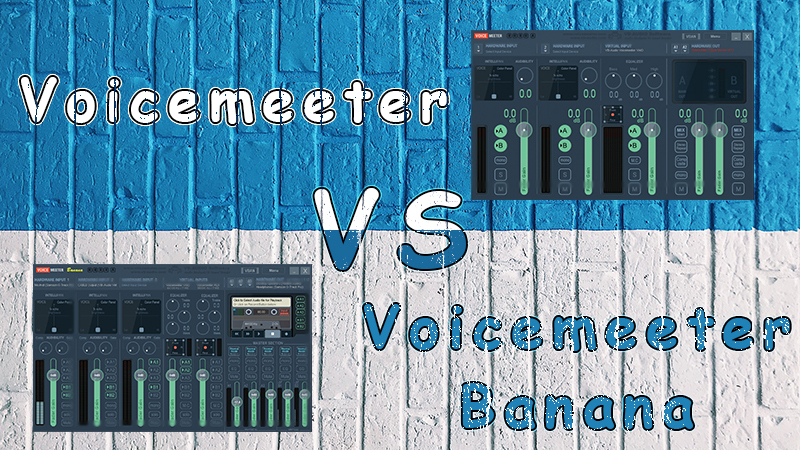
Voicemeeter and Voicemeeter Banana are audio mixer software applications designed to enhance the sound quality of your computer. Both programs provide a variety of features and can be utilized to manage the audio of your music, games, and videos.
If you're a musician, you may be curious about which software is best for you: Voicemeeter or Voicemeeter Banana.
There are several differences between them that you should consider before making a decision. Read our comparison guide to discover the differences in audio quality between Voicemeeter and Voicemeeter Banana when managing audio devices.
Voicemeeter is a Windows-based software that enables you to switch sound between various applications. Musicians appreciate it for its user-friendly interface and the flexibility it offers.
Voicemeeter Banana is a Windows software that serves as an upgrade to Voicemeeter. Notably, Voicemeeter Banana provides the option to route audio between various applications, offering greater flexibility than Voicemeeter.
So, which option is right for you? That depends on your needs.
Voicemeeter vs Banana Virtual Audio Device Comparison
If you are a Windows PC user, you have likely heard of Voicemeeter Banana and Voicemeeter. They are the top free options for software to manage any audio device.
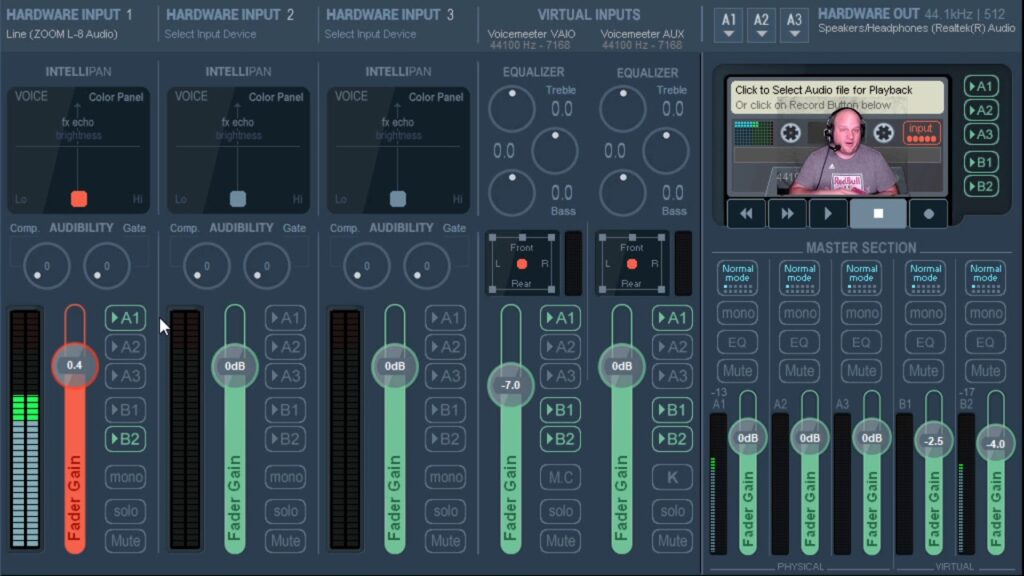
Audio Quality Voicemeeter and Voicemeeter Banana
Voicemeeter is free software that is user-friendly and does not require installation. First, Voicemeeter can be utilized to manage the audio of your music and videos.
It also features a basic equalizer that can improve your audio and stereo sound quality.
Voicemeeter Banana is more advanced software than Vb audio Voicemeeter. You can use it to manage audio devices, audio hardware, and other applications for free. It allows you to easily control audio files, input and output, and various audio sources on your computer.
Additionally, Voicemeeter Banana features modulation control and a full parametric EQ. This provides greater opportunities to enhance sound quality compared to Voicemeeter, which has more limited EQ settings.
Considering all of this, Voicemeeter Banana allows you to improve the audio quality of your input devices while streaming or playing a video game, ensuring the best experience for your viewers. Utilize it to manage any audio sources.
Alternatives to Voicemeeter and Voicemeeter Banana
When seeking an ideal advanced audio mixer application for Windows, you can also explore alternatives or other apps beyond these two free audio applications.
We recommend using a free virtual audio cable to record your speaker output with Voicemeeter Banana and Voicemeeter.
There is also Voicemeeter Potato, an enhanced version of Voicemeeter Banana.
Voicemeeter Potato
This software is also from Vb audio Voicemeeter, and it includes an activation code for a 30-day free trial period. You will receive a regular notification inviting you to activate your license.
You can install Voicemeeter Potato to split your microphone and desktop sound, allowing you to switch between these audio sources with a simple click of the mouse. This is useful if you don't want your voice to be heard while talking in the game, for instance.
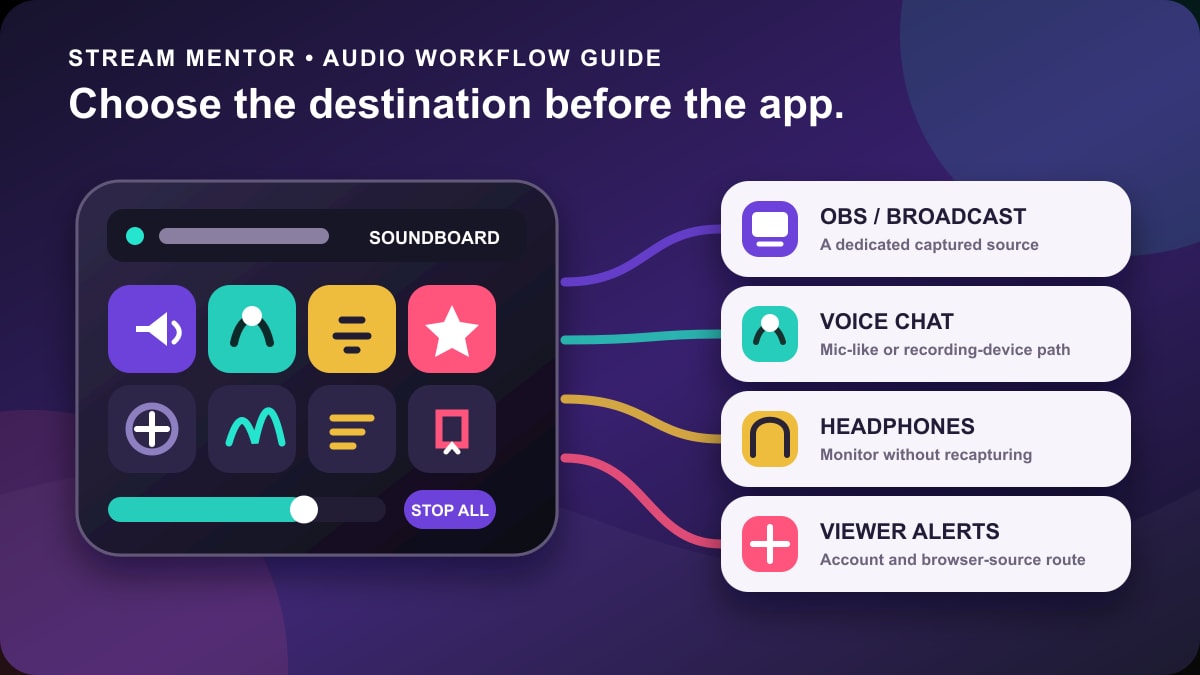
To produce podcasts with high-quality sound, stream audio, and eliminate background noise and other distracting sounds, you have many soundboard apps available to choose from.
FAQ
Is Voicemeeter banana necessary?
Voicemeeter Banana is particularly useful when listening to music on your Windows device while simultaneously talking on the phone.
The software offers various features that enable users to adjust their audio, including volume control and the addition of sound effects that cannot be produced using the microphone alone.
Keep in mind that Voicemeeter Banana is designed for professionals, but it is also accessible for those who are new to sound mixing.
What is Voicemeeter suitable for?
This software allows users to manage multiple audio outputs, making it an ideal tool for anyone seeking more control over their sound quality and output.
One of Voicemeeter's primary functions is that it serves as a virtual audio mixer, enabling control over audio inputs.
This feature is particularly useful for recording podcasts or gaming, where managing the audio levels of different applications and sources is important.
Voicemeeter can also create virtual audio cables, which facilitate audio transfer between applications.
Thus, Voicemeeter can be advantageous for tasks like streaming audio or video, where you want to route the audio or video output from one application to another.
Voicemeeter is also user-friendly, making it an excellent choice for beginners, especially Windows users.
Conclusion
There are numerous audio mixing applications available for PC users, but two of the most popular options are Voicemeeter and Voicemeeter Banana.
Both software options have their pros and cons, and we hope this article has assisted you in finding the best one for your needs. When it comes to the flexibility of managing various audio sources, Voicemeeter Banana is the clear winner.
However, for beginners, we still recommend Voicemeeter.
We compared Voicemeeter and Banana based on their specifications and the sound quality they offer, providing you with alternatives to easily manage audio sources on your computer.