Quick answer: Twitch does not currently expose a universal public “follow age” lookup in its normal viewer interface. A broadcaster or authorized moderator can retrieve a follower's followed_at timestamp through Twitch's current Get Channel Followers API. A chatbot may show !followage only when its Twitch authorization still permits access to the required data.
This guide was substantially rewritten in July 2026 from Twitch's current developer documentation. It removes old lookup sites that could no longer provide the data reliably after Twitch changed follower API permissions.
What Twitch follow age means
Follow age is the time since one Twitch account followed a particular channel. It is different from:
- Account age: when the Twitch account was created.
- Subscription age or tenure: paid or Prime subscription history.
- Watch streak: consecutive eligible broadcasts watched.
- Chat history: messages retained in that channel's moderation tools.
Unfollowing and following again can reset the current relationship's timestamp. A displayed follow age is not proof that somebody watched continuously or supported the channel throughout that period.
Why old public lookup sites stopped working
Twitch's current Get Channel Followers endpoint requires a user access token with the moderator:read:followers scope. The authorized user must be the broadcaster or one of the broadcaster's moderators.
If those conditions are not met, Twitch returns only the total follower count rather than specific follower records. That means an unaffiliated public website generally cannot query the follow date between arbitrary accounts through the supported API.
Check follow age as a broadcaster or moderator
The supported API response can include:
followed_at— the UTC timestamp of the followuser_id,user_login, anduser_name- pagination data and the channel's total follower count
This is primarily for an authorized channel tool, moderation dashboard, or bot—not a reason to paste an OAuth token into a random form. Developers must use Twitch's supported OAuth flow, request the narrow scope, protect tokens, validate them, and provide a disconnect/revocation path.
Use a followage chatbot command
- Choose a current chatbot whose official documentation includes a follow-age variable or response tag.
- Connect it through the provider's official Twitch authorization page.
- Read the requested scopes before approving.
- Create or enable
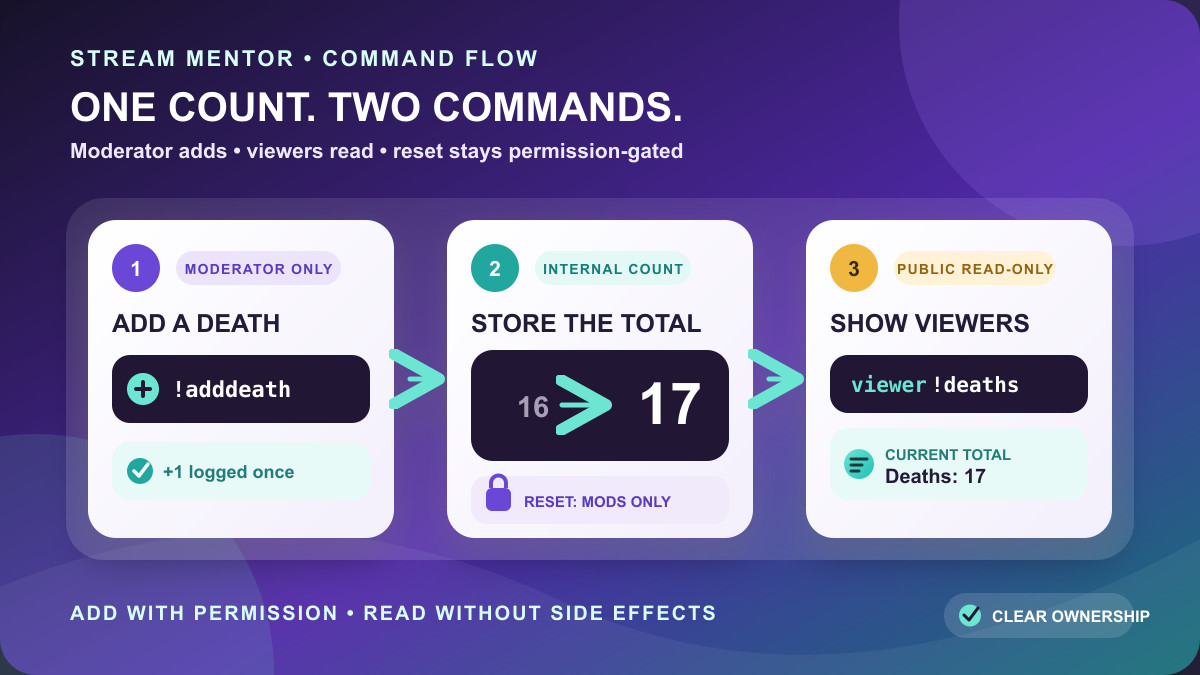
!followage. - Test with an account that follows the channel and one that does not.
- Add a cooldown so repeated lookups do not flood chat.
Bot syntax differs. For example, Moobot currently documents a Twitch response tag for “time since the user followed,” while other bots use variables or an external API. Copy syntax only from the bot's current official documentation.
Why a command may return no result
- The user does not currently follow the channel.
- The bot lacks the required Twitch authorization or scope.
- The connected user is not the broadcaster or an authorized moderator.
- The username changed and the tool is relying on stale data.
- The provider has not updated an older API integration.
- Twitch or the bot is temporarily unavailable.
Do not “fix” an authorization error by sharing your password, browser cookie, client secret, or token with a support stranger.
Can viewers check their own follow age?
A viewer can use a channel's working followage command if the broadcaster has configured one. Twitch may also show follow-related context in different product surfaces, but there is no dependable universal public lookup for any arbitrary channel pair.
If exact tenure matters for a reward, the broadcaster should use authorized channel data and written eligibility rules rather than trusting a screenshot from a third-party site.
Privacy and security checklist
- Authorize only through
twitch.tvand the provider's official domain. - Review the exact scope, especially follower and moderation access.
- Never paste access tokens into a webpage or chat message.
- Disconnect old integrations from Twitch account connections.
- Do not treat follow age as sensitive evidence of loyalty, identity, or personal relationships.
Frequently asked questions
Is Twitch follow age public?
Not as an unrestricted API lookup. Detailed follower information currently requires broadcaster-or-moderator authorization with the follower-read scope.
What is the followage command?
It is a chatbot command that calculates the time since a viewer followed that channel, using data the bot can access under its current Twitch authorization.
Does unfollowing reset follow age?
The current API record represents the active follow relationship. Unfollowing and later following again can produce a new timestamp, so it should not be treated as permanent lifetime history.
Can a public website check anyone's follow age?
A site may display cached, user-authorized, or historical data, but Twitch's supported current endpoint does not give specific follower records to an unaffiliated unauthorised request. Avoid sites that do not explain their data source and permissions.