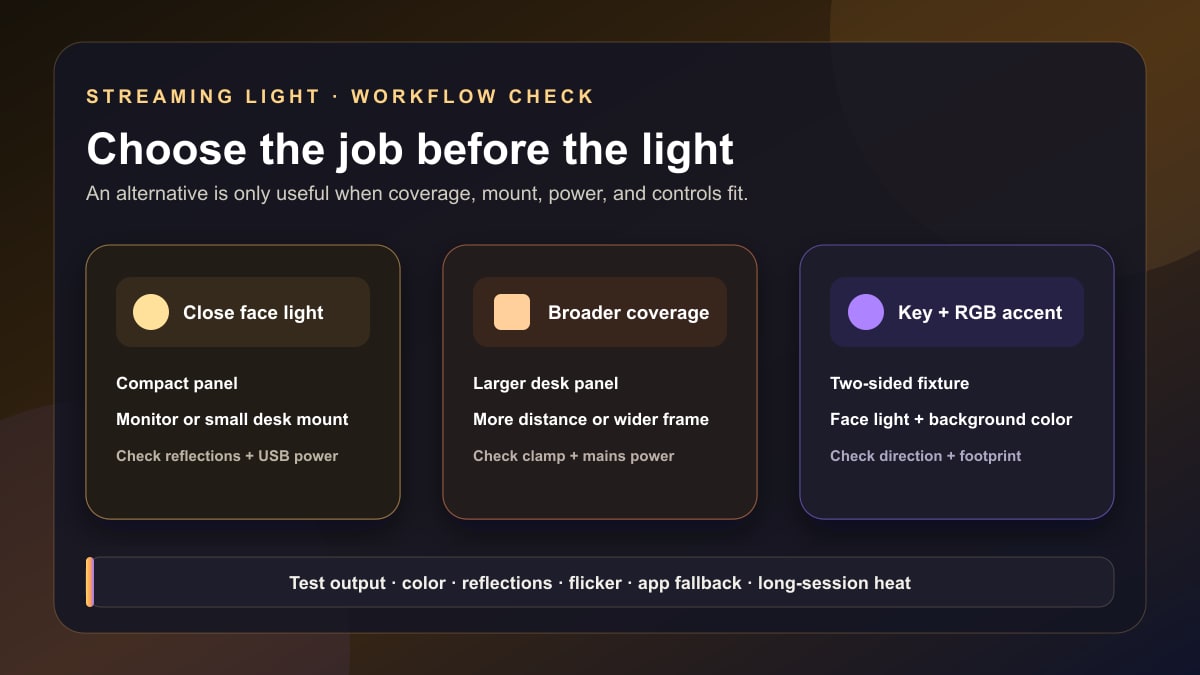
Quick answer: choose an Elgato Key Light alternative by the light level you need at the actual desk distance, color range, color-rendering specification, diffusion, mount, power, controls, and software ecosystem. Four current source-based options are Elgato Key Light Neo, Logitech Litra Glow, NEEWER GL25B, and Logitech Litra Beam LX. They solve different problems; none is an automatic one-for-one replacement.
Editorial update: Stream Mentor completely rewrote this article on July 24, 2026. The former page ranked five difficult-to-verify generic kits, claimed extensive testing without a method, and made unsupported promises about identical results, eye safety, professional quality, performance, and value. Those rankings, prices, sales links, and two reused graphics have been removed.
Start with the Key Light feature you are replacing
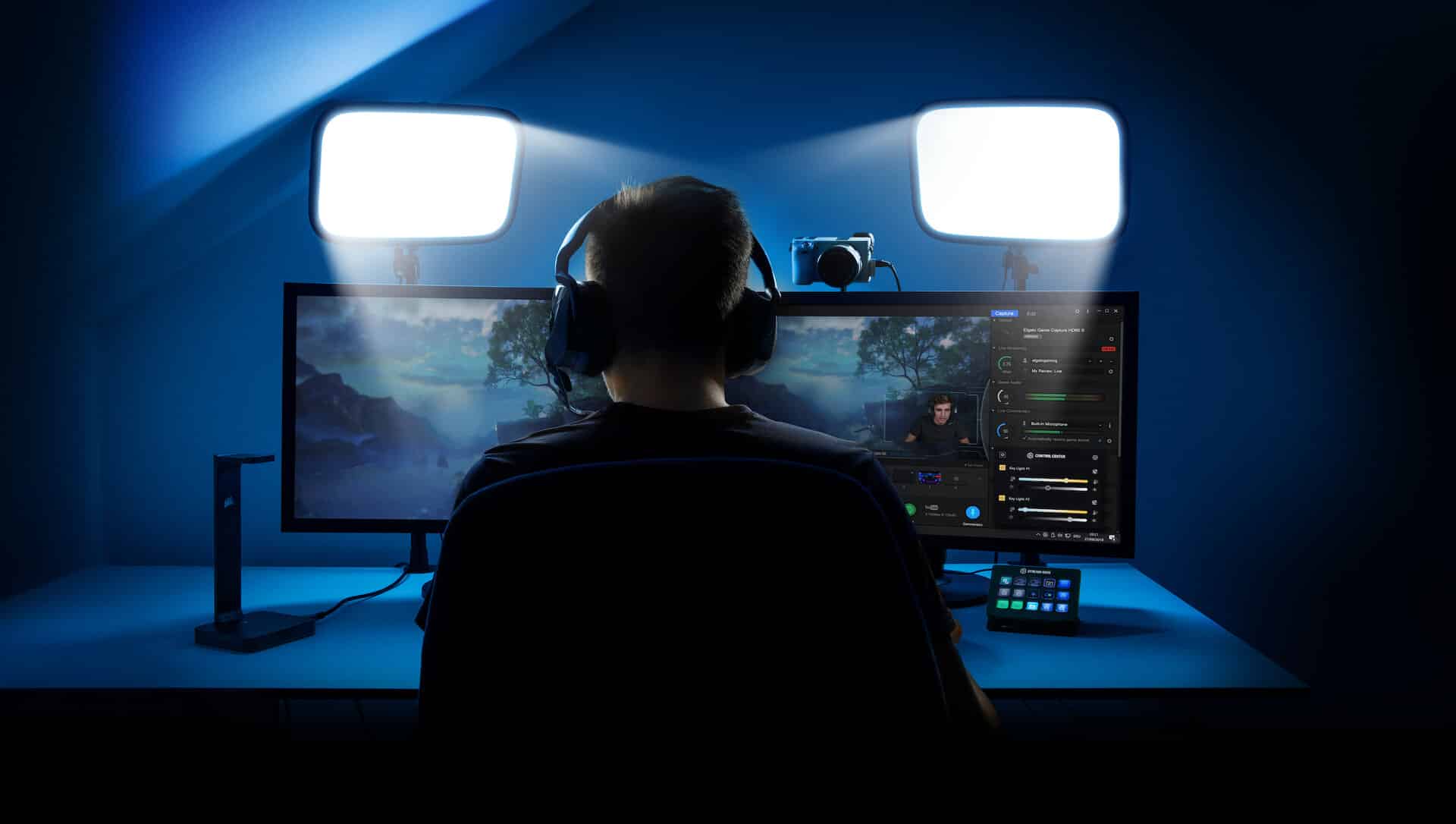
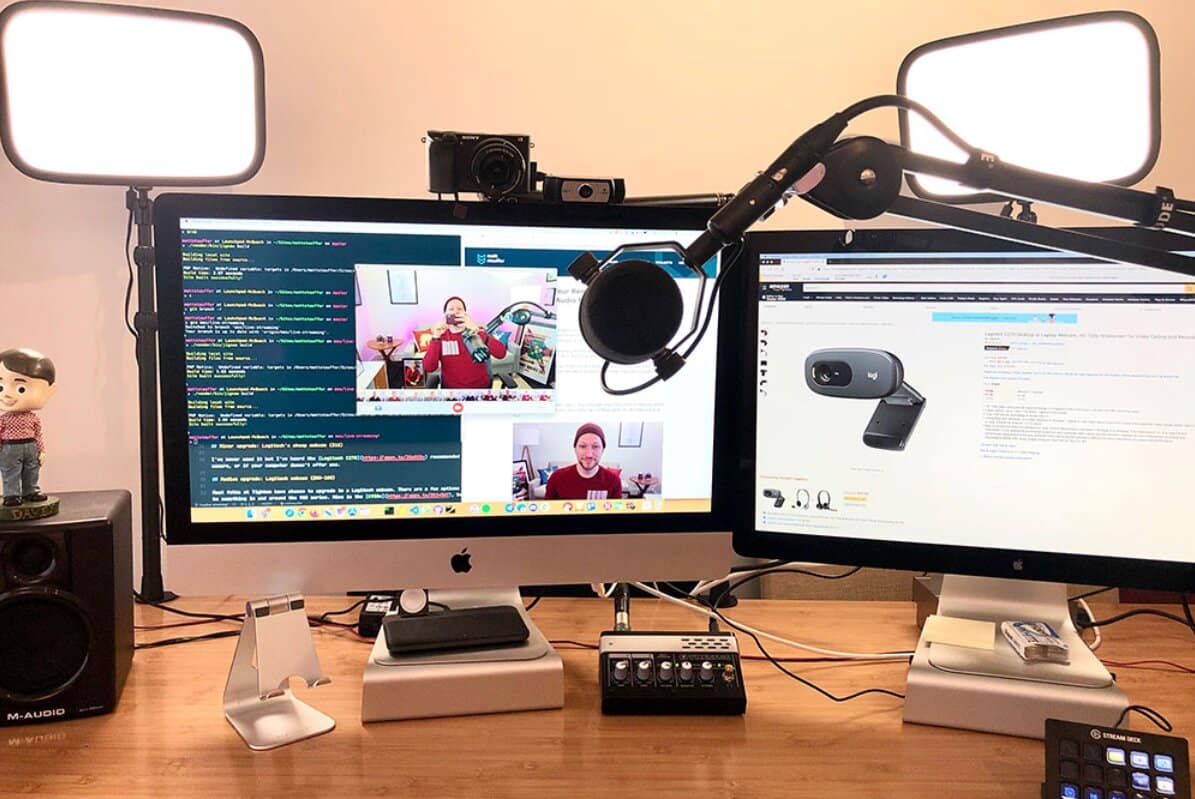
“Alternative” is incomplete until you name the job. Elgato's full-size Key Light combines a broad desk-mounted panel, adjustable white light, Wi-Fi control through its ecosystem, and substantial output for a typical creator desk. A smaller monitor light may cost less and fit better but will not produce the same coverage or mounting geometry.
Write down the requirements before comparing brands:
- camera position and distance from face to light;
- one-person head-and-shoulders frame, standing frame, product desk, or green screen;
- maximum available desk-clamp width and clearance behind the monitor;
- wall, desk, monitor, tripod, or floor-stand mounting;
- mains power versus USB power and available wattage;
- physical controls, desktop app, mobile app, Wi-Fi, Bluetooth, or Stream Deck control;
- adjustable white range versus RGB accent lighting;
- whether you need one light, a fill light, or separate background/green-screen lighting.
Do not treat the highest lumen number as a winner. Published output can depend on power source, beam shape, measurement method, and distance. A smaller light close to a seated presenter and a larger panel farther away are not directly interchangeable.
Current desk-light comparison
Availability and manufacturer specifications were checked July 24, 2026. This is a source-based comparison, not a hands-on ranking. Prices are omitted because they vary by market and promotion.
| Option | Best-matched workflow | Documented distinction | Important trade-off to test |
|---|---|---|---|
| Elgato Key Light Neo | Compact same-ecosystem desk or monitor setup | Adjustable white, onboard controls, optional Wi-Fi/Control Center, several power-dependent output levels | Smaller panel and output than a full Key Light; mount and power choice change the setup |
| Logitech Litra Glow | Close monitor-mounted face light | Compact 250-lumen panel, 2700–6500 K range, CRI 93, monitor mount and G HUB control | Low output and small source are intended for close desktop use, not a broad room or green screen |
| NEEWER GL25B | Larger desk panel when coverage matters | 12.9-inch adjustable-white streaming panel with desk mounting and app/remote control options documented by NEEWER | Confirm local bundle, stand, power supply, app compatibility, desk load, and current regional stock |
| Logitech Litra Beam LX | Adjustable-white key light plus rear RGB accent | Two-sided light with a white front and RGB back, desk stand, onboard and G HUB control | RGB does not improve face exposure; larger desk footprint and software path may be unnecessary |
1. Elgato Key Light Neo: the same control ecosystem in a smaller format
Elgato's current Key Light Neo specification lists a 2900–7000 K range, CRI above 94, USB-C or 2.4/5 GHz Wi-Fi connectivity, onboard control, and output that depends on its power source: 400 lumens from a 4.5 W USB-A path, 700 lumens from a 7.5 W USB-C path, and up to 1000 lumens with an appropriate 3 A supply.
This is the clearest choice when the goal is to keep Control Center and optional Stream Deck integration while using a smaller light close to a seated presenter. It is not simply a cheap full-size Key Light. Confirm which mount and power adapter are included in the exact SKU, whether the monitor can support that mount, and which output mode the available port can provide.
Choose it for ecosystem continuity and compact placement—not because matching brand names guarantees identical light quality in every room.
2. Logitech Litra Glow: compact monitor-mounted light
Logitech's Litra Glow specification lists a maximum 250-lumen output, 2700–6500 K color range, CRI 93, a monitor mount with vertical and horizontal adjustment, a standard quarter-inch mounting thread when detached, USB power, and optional G HUB controls.
That specification points to a close desktop use case. A small light near the lens can raise face exposure for calls and a tight stream frame without consuming much desk space. It is not the right comparison for lighting a full body, a wide room, or an evenly keyed green screen.
Check monitor thickness and shape, whether the mount conflicts with the webcam, cable routing, software support on the exact computer, and whether the light can sit high and off-axis enough to avoid flat glare in glasses.
3. NEEWER GL25B: a larger desk panel
NEEWER's current GL25B product page describes a 12.9-inch adjustable-white panel designed for streaming, with desk-mount and control options. Its larger emitting area can be relevant when the light must cover more of a seated subject or sit farther from the face.
NEEWER sells different regional kits and similarly named products. Verify the model number, included desk stand, power supply, control method, warranty, and app requirements on the listing you will actually buy. A photo of a complete kit is not proof that every accessory ships in every market.
A larger panel can produce softer apparent light at the same relative distance, but softness also depends on distance and modifier size relative to the subject. Official specifications cannot establish fan noise, long-session heat, app stability, flicker at every camera setting, or skin-tone rendering in your room.
4. Logitech Litra Beam LX: key light and RGB accent in one body
Logitech's current Litra Beam LX specification documents a dual-sided desktop fixture: adjustable white light on one side and RGB on the other, with onboard controls and G HUB integration.
This combination is useful when desk space is limited and you genuinely need both a face light and an accent aimed away from the subject. The RGB side does not substitute for sufficient white key output, and illuminating a background behind the monitor may not be visible in the camera frame.
Map both sides before buying: face-to-light distance, direction of the RGB side, stand footprint, screen clearance, cable reach, and how the fixture avoids reflecting in glasses or glossy surfaces.
What the specifications mean
Output must be considered with distance and beam
Lumens describe total emitted light, not the illumination reaching a face. Lux at a specified distance is more directly useful when manufacturers publish it consistently, but beam shape and measurement conditions still matter. Moving a light closer can increase illumination and apparent size while narrowing coverage.
CRI is a screening metric, not a complete color test
Color Rendering Index can help reject poor sources, but one CRI number does not describe every skin tone, saturated color, spectral gap, tint shift, or camera response. A high manufacturer-listed CRI does not prove two different lights will match.
Color temperature does not correct mixed lighting by itself
Adjustable white can help coordinate with a room, but daylight, ceiling lights, monitors, decorative RGB, and window light may still create multiple directions and tints. Turn off unnecessary sources, set the key, lock camera white balance where appropriate, and then add background light intentionally.
Diffusion changes source size and output
A larger diffused source placed relatively close can create gentler shadow transitions. Added diffusion can also reduce output and spill more light. Do not press a material against LEDs unless the manufacturer designed it for that use.
Mount, power, and controls can decide the purchase
| Check | Failure to avoid |
|---|---|
| Desk-clamp opening and lip shape | Clamp cannot close, damages a hollow desk, or blocks a drawer/cable tray |
| Monitor mount load and webcam position | Light shakes, obscures the display, or forces the camera too low |
| Stand height and articulation | Light sits directly at eye level or cannot aim down from one side |
| Power source and cable | USB port provides a lower output mode, hub is unstable, or cable cannot reach safely |
| Physical controls | Basic brightness or temperature requires launching unsupported software |
| Wi-Fi/Bluetooth/software | Corporate network, OS, firewall, or account blocks the control path |
Check whether the light retains its last state after power loss and whether physical controls can recover a usable state without the app. For a live production, a manual fallback is more valuable than an elaborate scene that fails when the network changes.
One light or two?
Start with one key light 30–45 degrees to one side and slightly above eye level. Adjust distance, output, camera exposure, and background separation. Add a fill only when the shadow side is too dark for the intended look; a white wall or reflector may provide enough fill.
Two identical lights do not automatically create “professional” lighting. Equal lights placed symmetrically can flatten the face and create two reflections in glasses. A second light can instead serve as lower-output fill, background separation, product light, or a dedicated green-screen light.
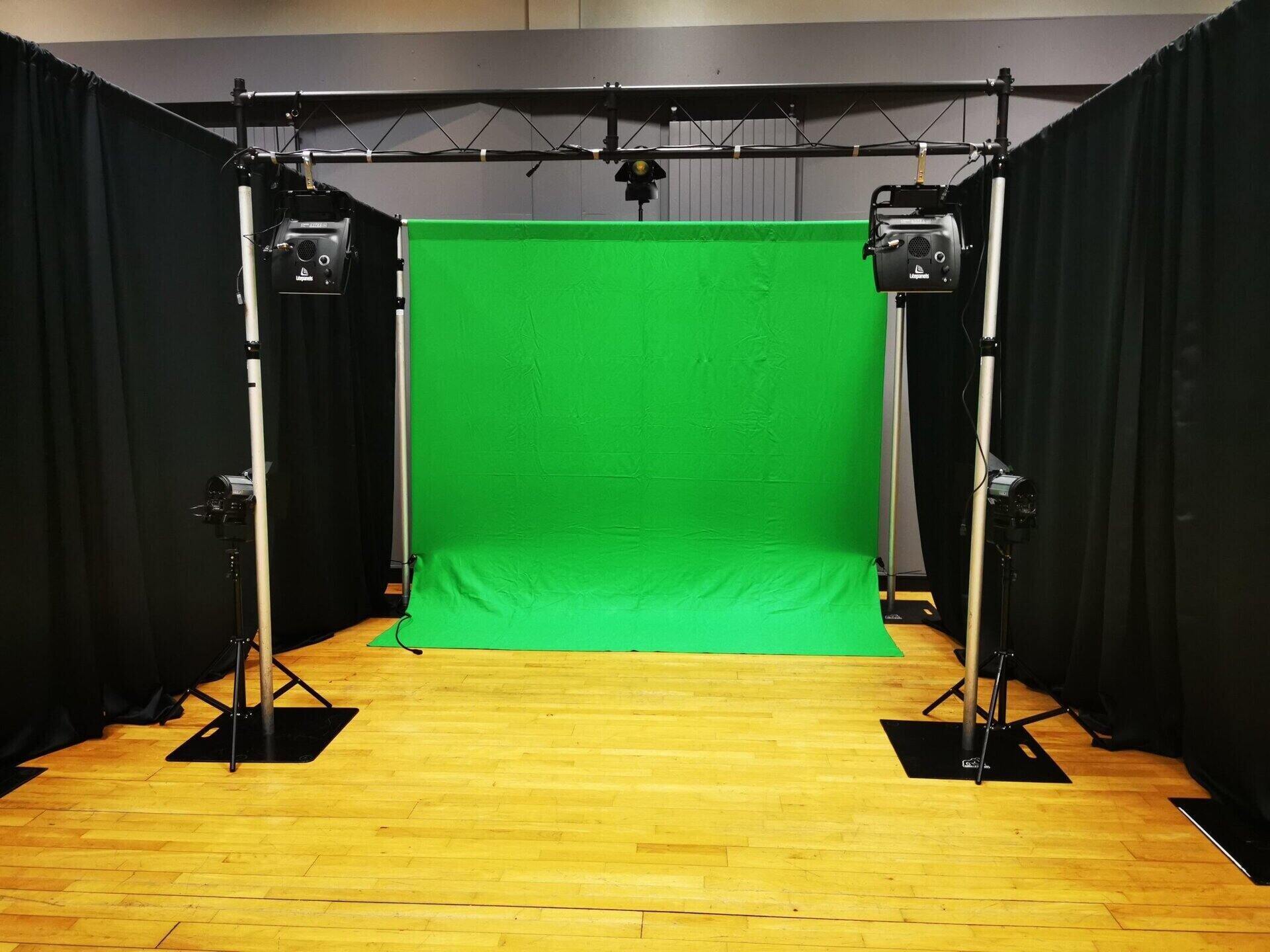
For more placement patterns, use the three-point lighting guide. A green screen generally needs even background illumination separate from the subject; the site's green-screen setup guide explains why one ring light aimed at everything is unreliable.
A 10-minute light test
- Frame the real camera, lens, exposure, and seated or standing position.
- Turn off decorative sources and establish one white key light.
- Place it off-axis and above eye level; check glasses and monitor reflections.
- Record at minimum and expected working brightness for two minutes each.
- Test the warm and cool range with camera white balance controlled.
- Move hands or a product through the frame and inspect shadow quality.
- Record the same camera shutter settings used for streaming and look for banding or flicker.
- Run the control app, then disconnect the network and confirm a manual fallback.
- Leave the light on for the expected session length and follow manufacturer temperature and clearance guidance.
Stream Mentor did not run this protocol across the four products, so it does not claim a winner for flicker, heat, diffusion, or software reliability.
Frequently asked questions
What is the cheapest Elgato Key Light alternative?
Prices and bundles change by region. Compare total usable setup cost: light, appropriate power supply, mount, stand, extension, app requirements, shipping, and warranty. A low sticker price can be misleading if it lacks the mount or power mode required.
Is Key Light Neo the same as Key Light?
No. Neo is a smaller product with power-dependent output and different mount options. It can preserve Elgato's control ecosystem for a close desk setup, but it should not be represented as identical to the full-size Key Light.
Is a ring light better than a key-light panel?
Neither shape is universally better. A ring light near the lens creates a frontal look and circular reflections. An off-axis panel makes it easier to create direction and facial shape. Size, diffusion, distance, and placement matter more than the label.
How many lights do I need for streaming?
Begin with one controllable key and the existing room. Add a fill, background, hair, or green-screen light only to solve a visible problem. Camera exposure and placement should be set before buying a matching pair.
Can a light damage my eyes?
Do not stare into a bright source or rely on a seller's blanket “eye-safe” claim. Follow manufacturer safety instructions, keep a comfortable angle and output, diffuse or move the source as intended, and seek professional medical advice for symptoms or a specific eye condition.
Sources and review scope
- Elgato Key Light Neo and Elgato Key Light for current first-party specifications and ecosystem context.
- Logitech Litra Glow specification.
- NEEWER GL25B product page.
- Logitech Litra Beam LX specification.
Primary manufacturer sources and current visible competing results were reviewed on July 24, 2026. Stream Mentor did not receive, buy, or hands-on test these products. Availability should be rechecked quarterly; specifications and regional bundles can change.