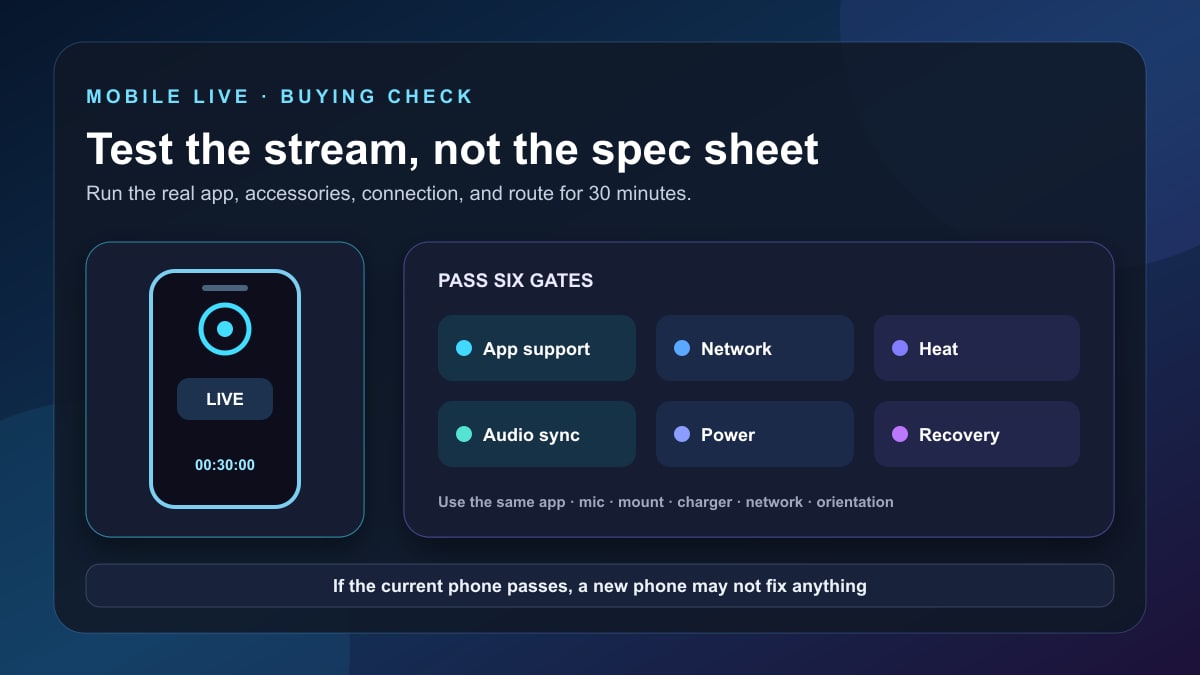
Quick answer: the best phone for live streaming is the phone that supports your required app and platform, maintains a stable connection and audio sync for a full test stream, stays within safe temperature limits, accepts the accessories you need, and still has enough battery or charging headroom. Test the phone you already own before buying another one.
This is a guide to broadcasting live from a phone, including IRL and mobile-game streams. It is not a ranking for watching Netflix, playing games without broadcasting, or recording edited video. Those jobs stress a device differently.
Editorial update: Stream Mentor completely rebuilt this article on July 24, 2026. The previous roundup ranked seven phones from the Pixel 3a and iPhone 12 era, claimed hands-on product superiority without a documented test, and made incorrect or unsupported claims about operating systems, 4K, battery runtime, storage, and audio quality. The product ranking and unlicensed phone image have been removed. This replacement gives you a repeatable field test and current first-party requirements.
Which phone is best for live streaming?
There is no universal model. A phone that works for a stationary Wi-Fi craft stream may fail an outdoor cellular IRL stream. A device that can broadcast a mobile game may not support an external camera-and-audio workflow. Platform access can also depend on channel status, age, subscriber count, account standing, region, and app version.
Use this order:
- Choose the destination and streaming app.
- Confirm the account is eligible to go live.
- Confirm the app supports the camera, screen capture, orientation, overlays, audio, and accessories you need.
- Run a private or unlisted 30-minute test on the connection you will actually use.
- Buy only when the current phone fails a requirement that an accessory, setting, or workflow change cannot solve.
Check platform eligibility before phone specifications
A new camera sensor cannot unlock a feature your account or app cannot use. Review the live requirements in the destination's current help center before comparing hardware.
YouTube mobile live
YouTube's current mobile live-streaming guide explains channel verification, live enablement, subscriber and account requirements, possible activation delay, privacy choices, scheduling, screen casting, and post-stream archives. Requirements and limitations can change, so use that page and the messages inside YouTube rather than an old numerical checklist.
Twitch mobile broadcasts
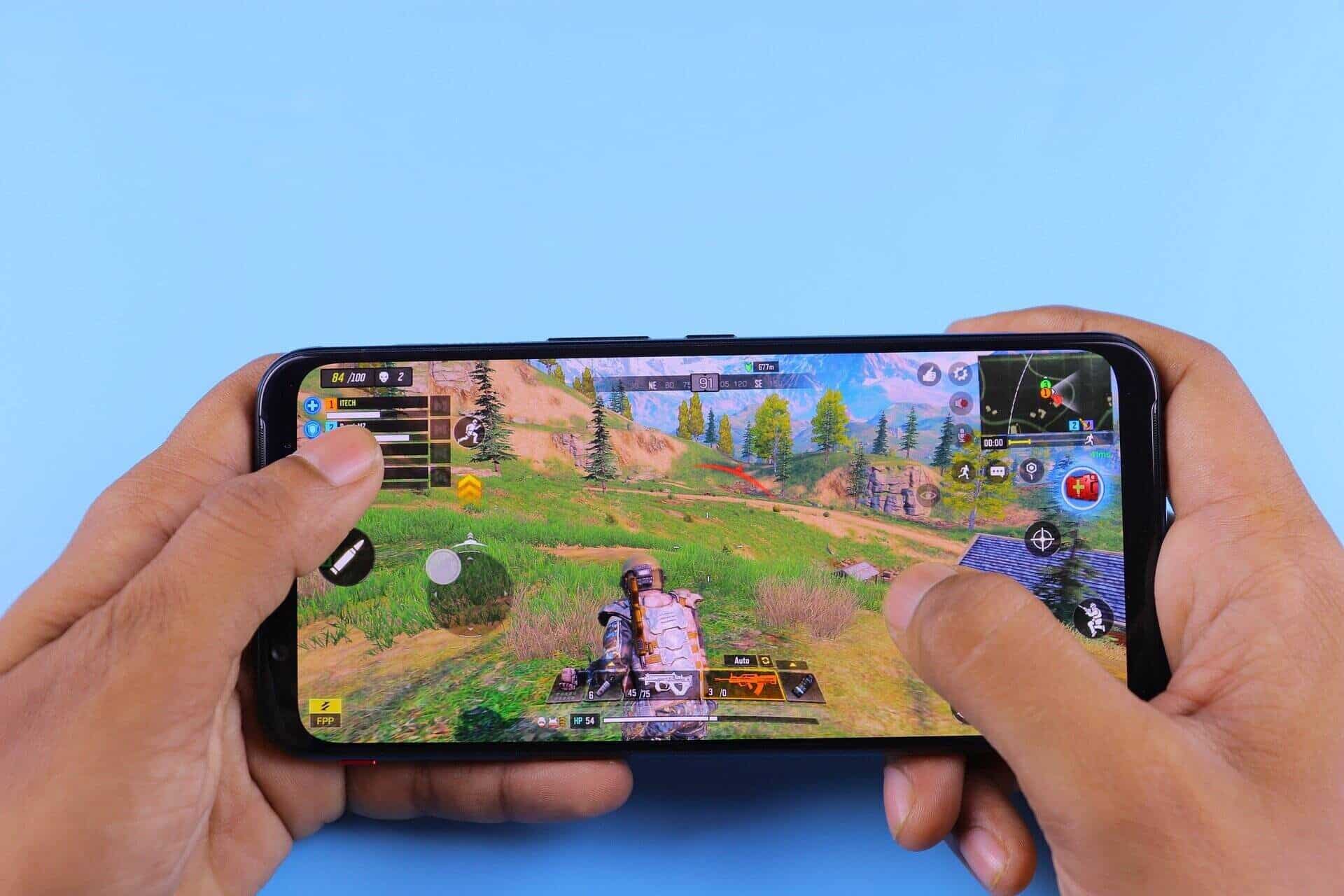
Twitch documents a mobile-game broadcasting workflow. Camera-based IRL availability and labels can differ by app version and account. Confirm that the current Twitch app exposes the category and controls you need before planning a purchase around it.
Third-party broadcast apps
Apps such as Streamlabs Mobile may add multistreaming, alerts, widgets, screen capture, or other controls, subject to their current plan and platform integrations. Streamlabs' mobile live guide is a useful starting point. Do not assume a desktop plugin, scene, codec setting, or destination works identically on mobile.
The requirements that matter most
| Requirement | What to verify | Why a spec sheet is insufficient |
|---|---|---|
| App support | Destination, orientation, screen/camera mode, overlays, chat, and account eligibility | The operating system version and app account rules both matter |
| Sustained thermals | Warnings, dimming, frame drops, camera shutdown, charging behavior after 30+ minutes | Peak processor speed does not show long-session behavior |
| Network stability | Dropped frames, bitrate variation, reconnect behavior, cellular bands and carrier coverage | A modem generation cannot guarantee signal at your route or venue |
| Audio path | External mic recognition, monitoring, wind handling, sync, adapters, and simultaneous charging | A built-in microphone label does not reproduce the actual environment |
| Power | Battery loss, power-bank compatibility, heat while charging, and port conflicts | Battery capacity alone cannot predict broadcast runtime |
| Camera workflow | Lens supported by the streaming app, focus, exposure, stabilization, and mount position | The phone may record a mode that the live app cannot transmit |
Run this 30-minute live-streaming phone test
Use the actual streaming app, destination, mount, microphone, orientation, case, and network. A camera recording is not an equivalent load. If possible, make the test private or unlisted and watch it from a separate device.
Before the test
- Update the operating system and streaming app only if you have enough time to retest before the real event.
- Restart the phone, close unrelated heavy apps, and note battery percentage and available storage.
- Disable notifications or use a focus mode that does not interrupt the broadcast.
- Clean the selected lens and confirm that the app—not just the camera app—can use it.
- Connect the exact microphone, interface, charger, or power bank planned for the stream.
- Record the location, network type, signal indication, room or outdoor temperature, resolution, frame rate, and selected bitrate if the app exposes it.
During the test
- Move and speak as you will during the stream.
- Switch between bright and dark areas if the real route requires it.
- Watch for focus hunting, exposure jumps, stabilization artifacts, thermal warnings, display dimming, and app reconnects.
- Have the separate viewer note freezes, audio gaps, delay changes, echo, and lip-sync drift.
- At 10, 20, and 30 minutes, record battery percentage and whether the phone is merely warm, uncomfortably hot, or displaying a warning. Do not use touch alone as a precise temperature measurement.
After the test
Review the archive rather than relying on the preview. Note total interruptions, longest freeze, audio-sync result, battery change, device warnings, and whether the app preserved the intended resolution and orientation. Repeat once on a different day if cellular coverage or venue Wi-Fi is important.
A pass means the workflow met your stated threshold—not that the phone is universally “best.” For an important paid or public event, also test a recovery path: app restart, network handoff, backup phone, and local recording where supported.
Network quality is often the real bottleneck
A phone can have a modern modem and still stream poorly in a crowded arena, moving vehicle, rural route, basement, or overloaded venue. Carrier maps are planning tools, not a guarantee at a particular time and position.
- Test at the venue and time of day when practical.
- Prefer a stable lower bitrate to an unstable maximum setting.
- Do not force 4K merely because the phone can record it. The destination app may not transmit it, viewers may not receive it, and the extra heat and bandwidth may reduce reliability.
- Check whether the app adapts bitrate or reconnects after a short loss.
- If the stream is critical, plan a second connection or professional bonded workflow rather than assuming dual-SIM automatically bonds data.
Heat and charging need a sustained test
Live video can use the camera or screen capture, encoder, modem, display, and audio at the same time. Charging adds heat. A thick case, direct sun, dashboard, high ambient temperature, or wireless charging can change the result.
Apple's current thermally limited charging guidance explains that charging can slow or pause when an iPhone becomes too warm or cold. Other manufacturers have their own protection behavior. Do not defeat temperature warnings with ice, condensation, or an improvised method that can damage the phone.
For a mounted stream, shade, airflow, a lower display brightness, a suitable wired power source, and a less demanding transmission setting may help. Retest every change; do not assume an accessory sold as a cooler is safe or effective for a particular phone.
Audio can matter more than a newer camera
Viewers may tolerate modest video quality longer than wind, clipping, echo, or speech they cannot understand. Test the built-in microphone in the real position first. A phone mounted several feet away will also place its microphone several feet away.
External microphone checklist
- Does the streaming app actually select the external input?
- Does the phone need a USB-C, Lightning, TRRS, or manufacturer-specific adapter?
- Can the port accept a microphone and charging power at the same time?
- Does the microphone require more power than the phone or hub supplies?
- Can you monitor without introducing echo or using a wireless path with distracting delay?
- Is there wind protection and strain relief for outdoor movement?
- Does audio remain synchronized after 30 minutes?
Bluetooth can be convenient, but latency, call-mode audio, radio congestion, battery, and app routing vary. Test the exact device. Do not describe a phone's built-in audio as “studio quality” without a controlled recording comparison.
iPhone or Android for live streaming?
Choose the operating system that supports the required app, accessories, and recovery workflow. Neither is universally superior.
| Question | Why it matters |
|---|---|
| Does the app offer the same features on both systems? | Screen capture, camera selection, overlays, background operation, and audio routing can differ |
| What connector does the phone use? | Adapters, hubs, external storage, power delivery, and microphones need confirmed compatibility |
| How long will the model receive supported OS updates? | Live apps may stop supporting older versions |
| Which cellular bands and eSIM options match the carrier? | A similarly named regional model can have different network support |
| Can the phone recover cleanly after an interruption? | Notification, call, heat, network handoff, or app crash behavior affects a real broadcast |
Do not buy from an operating-system slogan. Download the needed app, read its current support notes, and test the complete chain.
Accessories may solve the problem for less
- Stable mount or grip: improves framing and reduces handling noise. Keep controls and cooling surfaces accessible.
- External microphone and wind protection: can improve intelligibility when placement is the real problem.
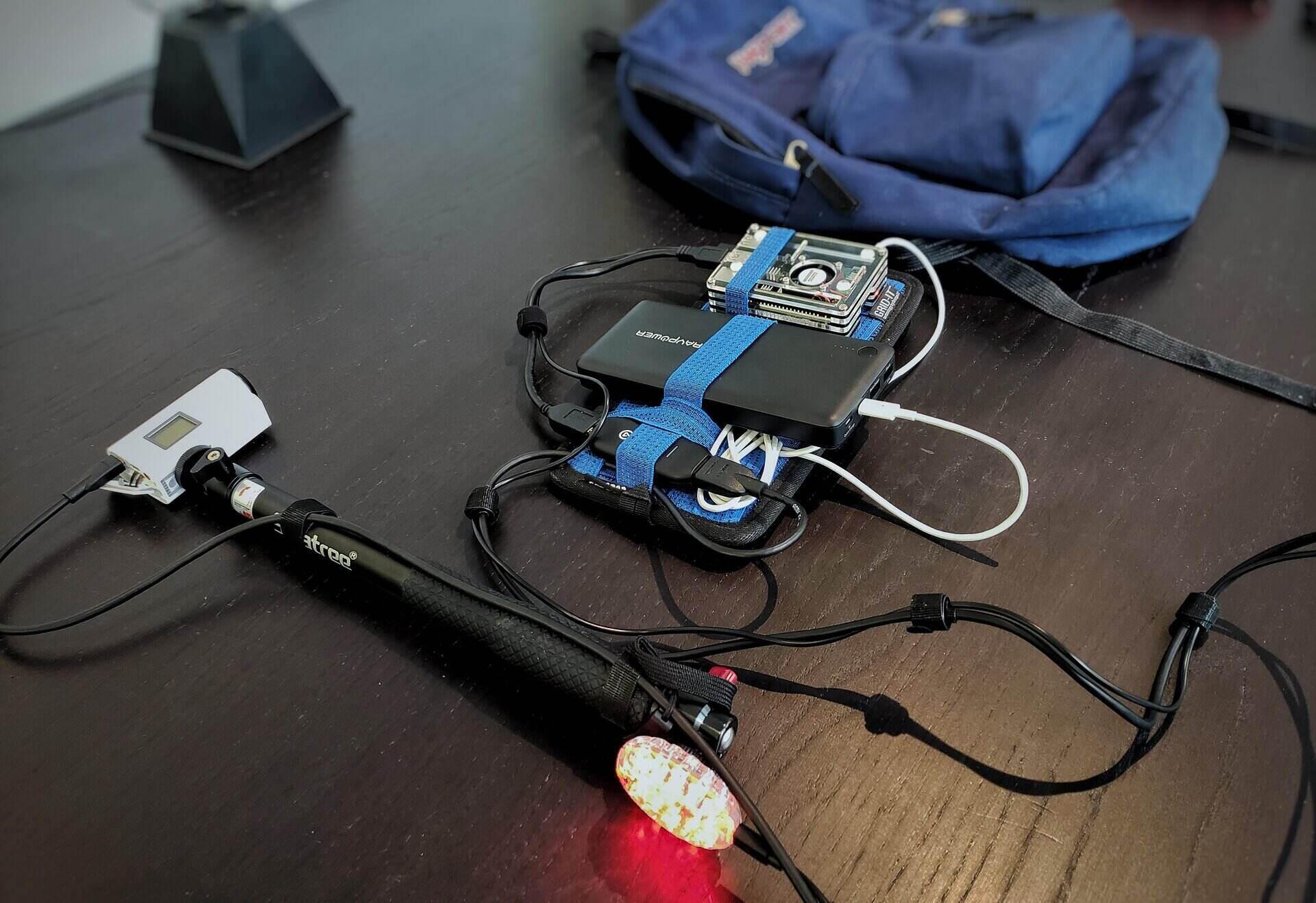
- Suitable power bank and cable: extends runtime only if the combination charges reliably without excessive heat or port conflict.
- Shade or safe airflow: may help an outdoor setup. Never block manufacturer-specified ventilation or expose the phone to moisture.
- Small light: can improve a stationary close shot more predictably than buying a phone for a brighter lens.
- Wired network adapter: can help a fixed setup when the phone, hub, app, and venue network support it.
The site's low-cost IRL setup guide covers how these pieces fit together.
When a phone is the wrong tool
Consider a dedicated camera, hardware encoder, laptop, or bonded transmission workflow when you need multiple cameras, long continuous runtime, redundant audio, replaceable media, professional connectors, genlock, a switcher, complex graphics, guaranteed venue integration, or fast component replacement.
A phone remains useful as a backup or return-video device, but an important production should not depend on one sealed battery, one app, one radio, and one connector without a recovery plan.
Frequently asked questions
Do I need 4K for mobile live streaming?
No. The app and platform may not broadcast 4K, the connection may not sustain it, and the extra processing can increase heat and power use. A stable, well-lit, intelligible lower-resolution stream can be more useful than an unstable maximum setting.
How much storage does a live stream need?
That depends on whether the app also saves a local recording, its format and bitrate, cache behavior, and available cloud archive. Live transmission by itself is not the same as storing the entire video locally. Test and leave operating-system headroom.
How long can a phone stream?
Battery capacity alone cannot answer. Screen brightness, encoding, camera, network signal, accessories, ambient temperature, charging, battery health, and app settings all matter. Run the sustained test and include a safety margin.
Can I stream with a phone I already have?
Usually that is the right first test. If it passes platform support, stability, audio, thermal, power, and recovery requirements, a new phone may not improve the outcome.
What is the minimum internet speed?
A single speed-test result is insufficient. The needed upload depends on the chosen bitrate and overhead, while stability, packet loss, congestion, and handoffs affect delivery. Follow the app's current recommendation and test the actual route or venue.
Sources and review scope
- YouTube mobile live-streaming help for current account and mobile workflow requirements.
- Twitch mobile-game broadcasting for its current mobile workflow.
- Streamlabs Mobile Live Streaming Guide for third-party mobile workflow context.
- Apple's thermally limited charging guidance for one manufacturer's documented heat behavior.
Primary platform guidance and current visible competing results were reviewed on July 24, 2026. Stream Mentor did not run a controlled comparison of current phone models, so this page does not award a “best” label or make unverified performance claims.