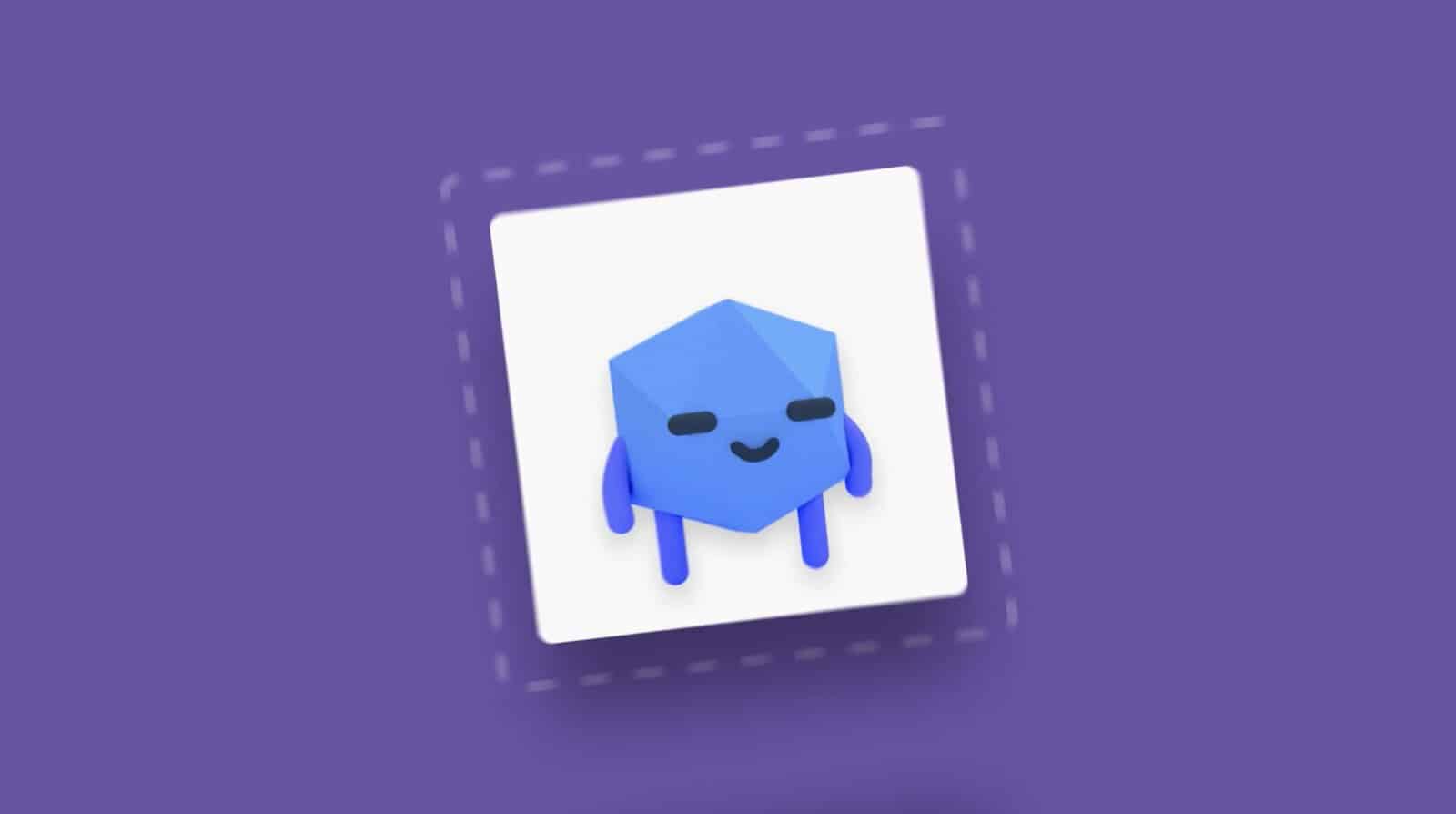
When creating your Twitch profile, you should design a unique profile picture or logo that will help you stand out in the Twitch community.
Here are our key tips for creating a Twitch profile picture:
1. Use one of the Twitch logo creator websites to design your profile picture: OWN3D, Nerd or Die, or Placeit.
2. The picture’s dimensions should be 256x256 pixels and file size up to 100 MB.
Changing a profile picture
Tap on your current Twitch profile picture, choose “Upload Profile Picture,” add the image you want to use, crop it if needed, and click “Save.”
Read our brief guide to discover how to design your Twitch logo and make your channel stand out. Let’s get started!
How to Create a Twitch Profile Pic?
You can upload a Twitch profile picture that features a photo of yourself or one of your favorite game characters. Alternatively, you can create a unique avatar for free using some of the fantastic Twitch logo maker platforms.
Here are some of the best Twitch logo creator websites that enable you to design your own logo in just seconds.
OWN3D

This platform offers thousands of ready-made logos and Twitch profile pictures that you can download instantly without any hassle. With just a few clicks, you can purchase multiple logos and images or even begin creating your own.
Need or Die

This platform provides a variety of graphics and templates, saving you significant time in the design process. It enables you to easily establish your brand and offers high-definition quality images.
Placeit

This is likely the best website for anyone looking to expand their business across various social platforms, including Twitch. It enables you to design business cards and templates for all these platforms effortlessly, allowing you to build your brand in just minutes.
How to Change a Profile Picture on Twitch?
Changing your profile avatar on Twitch is quite simple; you just need to make a few easy clicks to finish the process.
Can You Resize a Twitch Profile Picture?
You can upload any type of image as your profile picture or layout on Twitch, and you don't need to resize it yourself because Twitch will handle that process automatically once you upload the photo.
The original dimensions for all Twitch pictures and avatars are 256x256 pixels, and you should ensure that your picture does not exceed 100MB; otherwise, it will not be uploaded.
On screen, it will appear just as good as it did in its original size because Twitch excels at resizing images while maintaining high quality.
You can also upload a GIF, and some people opt to create logos in this format. If you have enough free time, you can do it as well.
How to Change a Profile Picture on Apple Devices?
Changing a Twitch profile picture on Apple devices can vary slightly, so we will provide you with a quick guide to help you complete this process easily on iOS phones as well.
This way, you should be able to save a new profile Twitch logo or picture even on the latest iOS devices, and it should appear in your Twitch channel immediately.
FAQ
What is a good Twitch profile picture?
How do you get a profile picture on Twitch?
Those with a substantial budget who want to attract more viewers may choose to invest in customized logos and layouts for their accounts, helping them stand out.